SQL Server Management Studio (SSMS) is a graphical user interface (GUI) that can be used to administer SQL Server.
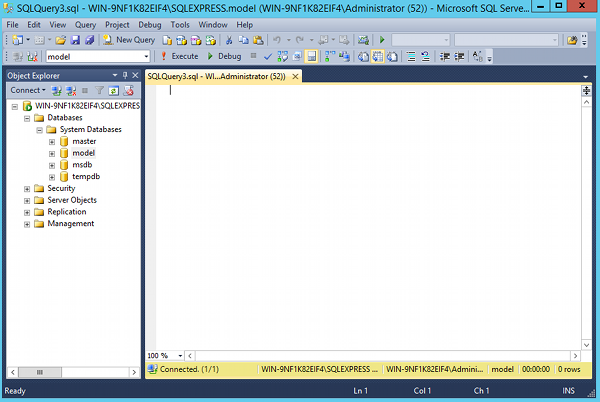
SQL Server Management Studio allows you to create and manage your databases as well as administer your SQL Server configuration.
SQL Server Management Studio (SSMS) is a graphical user interface (GUI) that can be used to administer SQL Server.
SQL Server Management Studio allows you to create and manage your databases as well as administer your SQL Server configuration.
To create a table in SQL Server using the GUI:
The table will appear in the Object Explorer under the Tables icon for the applicable database.
To create a database in SQL Server using the GUI:
Once you’ve created the database, you can create tables and other database objects. You can also modify any database properties as required.